Creating resources with CloudFormation
Create resources with CloudFormation
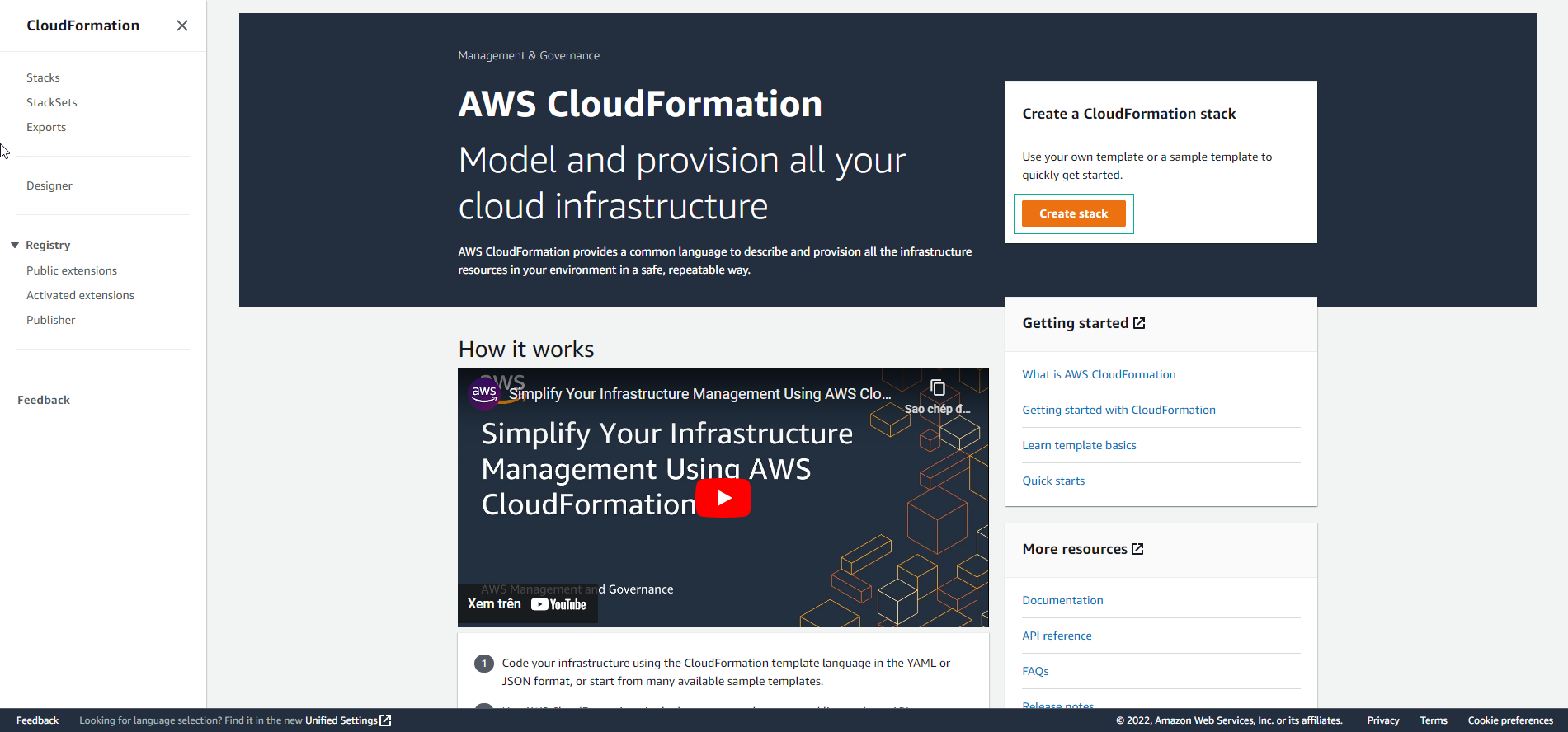
- Perform resource creation with CloudFormation. Select Create stack.
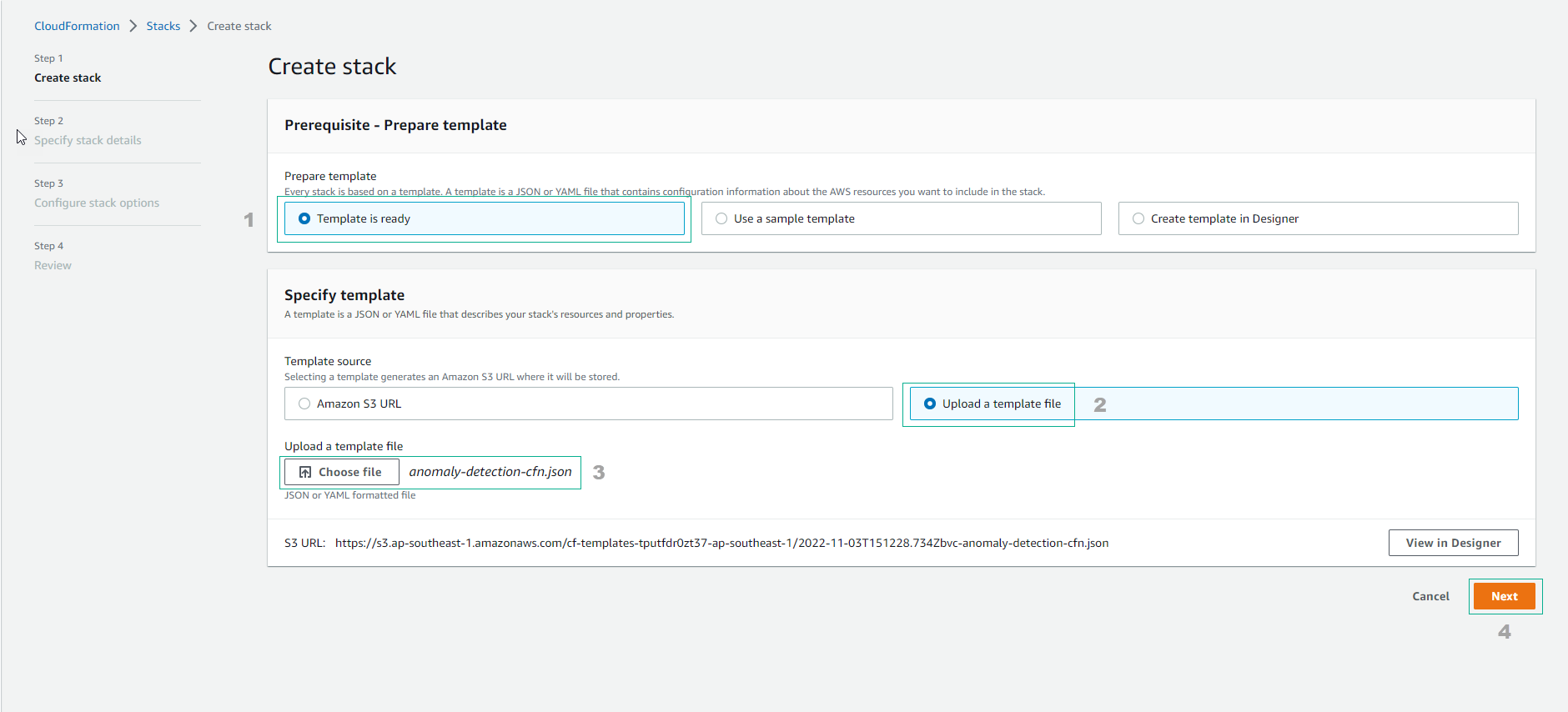
Configure Create stack
- Select Template is ready
- Select Upload a template file
- Upload file anomaly-detection-cfn.json
- Select Next
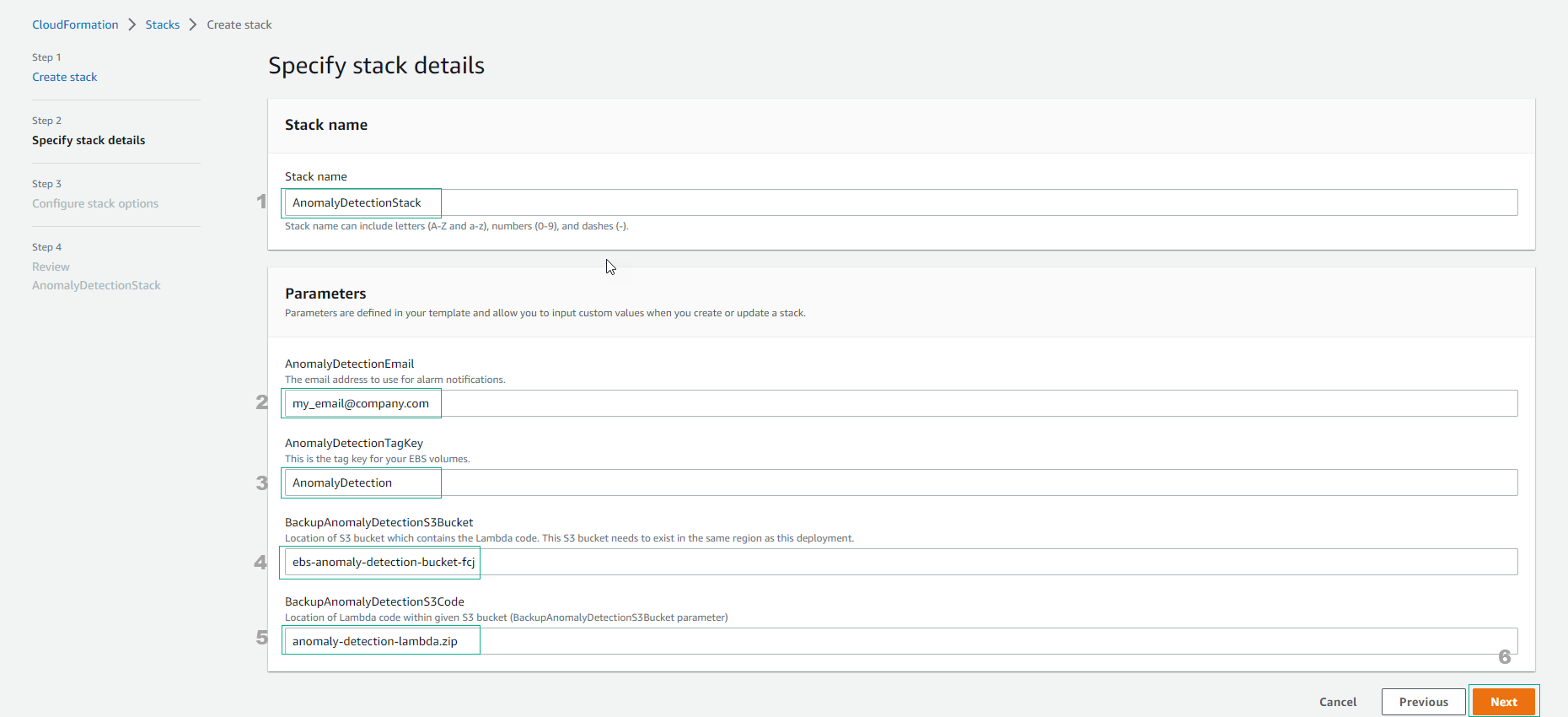
Enter Stack name as AnomalyDetectionStack
- Complete the information, enter email to receive notifications.
- Enter EBS’s TagKey.
- Enter the created S3 bucket name.
- Select Next
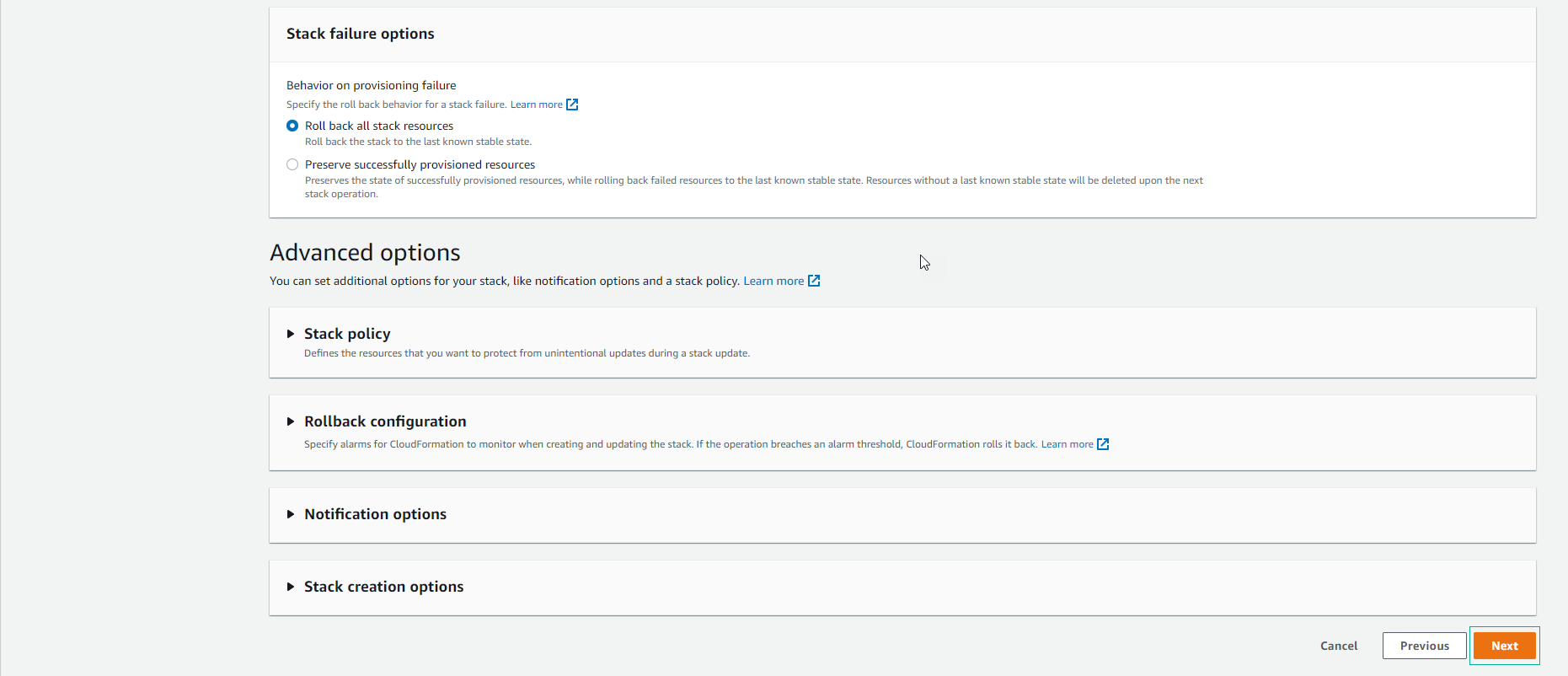
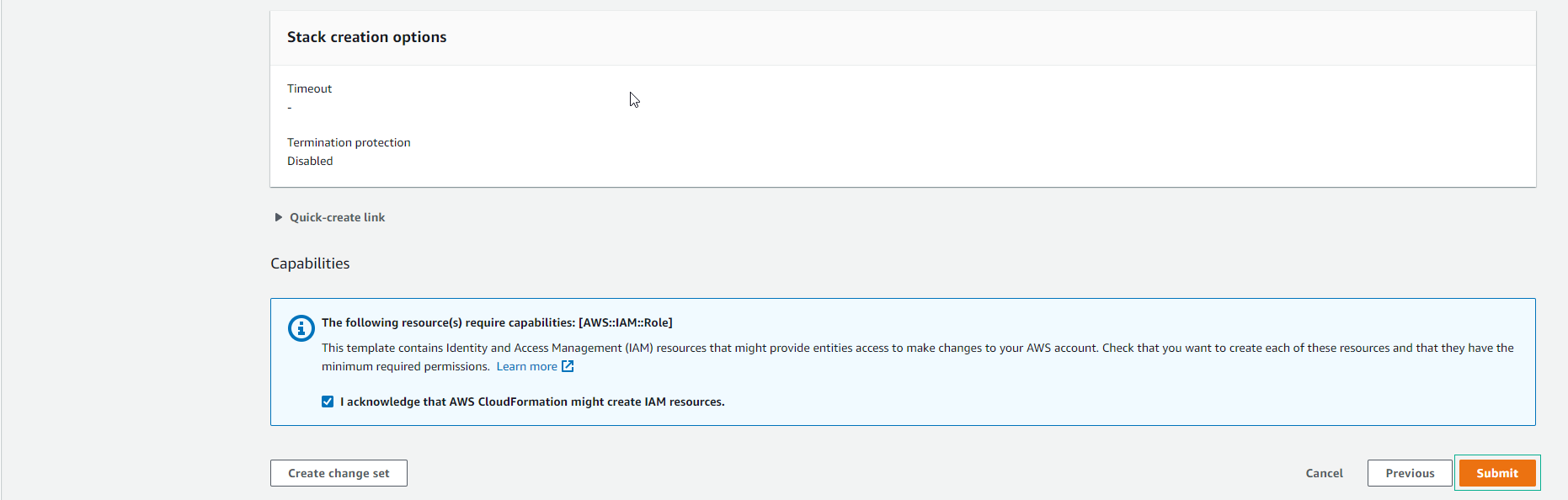
- Scroll down to the bottom and select I acknowledge that AWS CloudFormation might create IAM resources, then select Next.
- Select Submit.
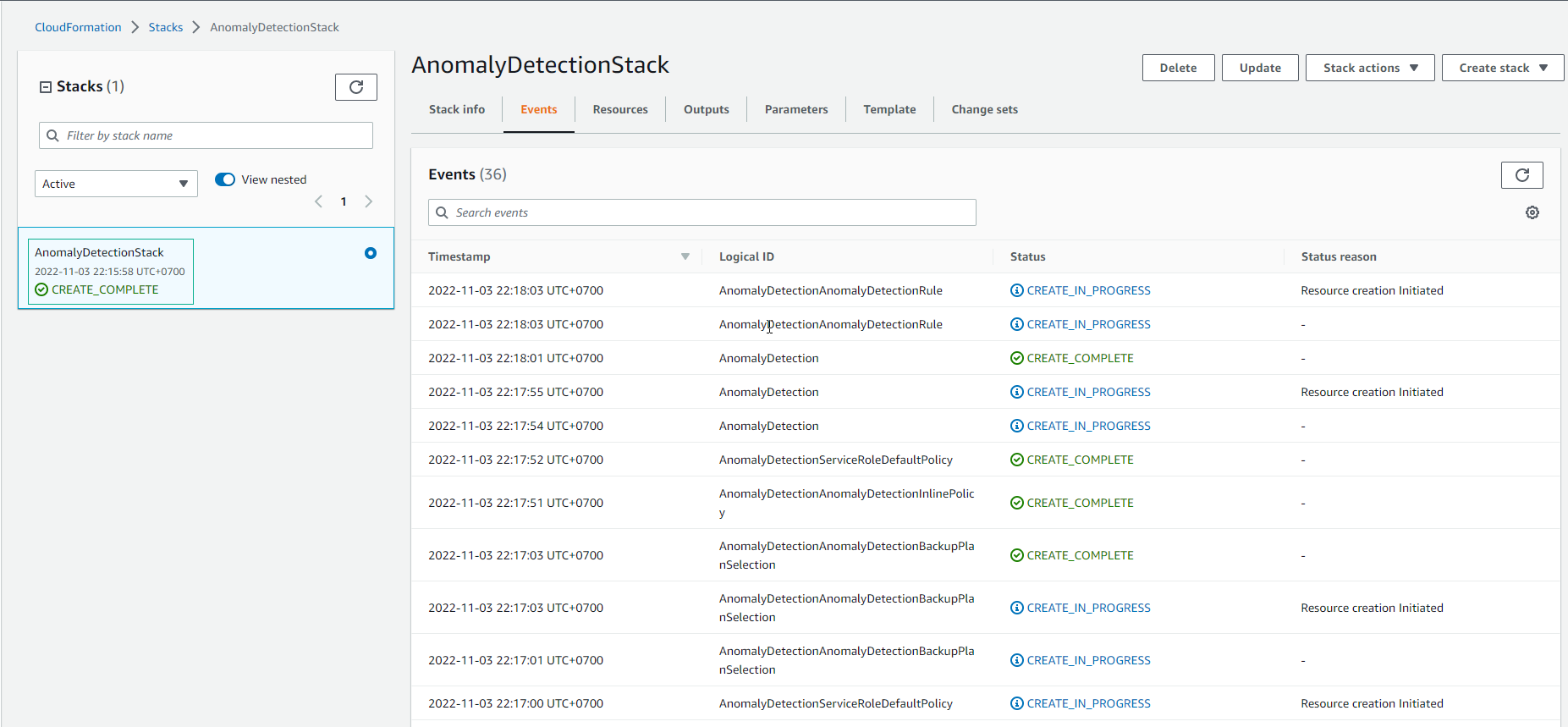
- Wait about 5 minutes, stack created successfully.
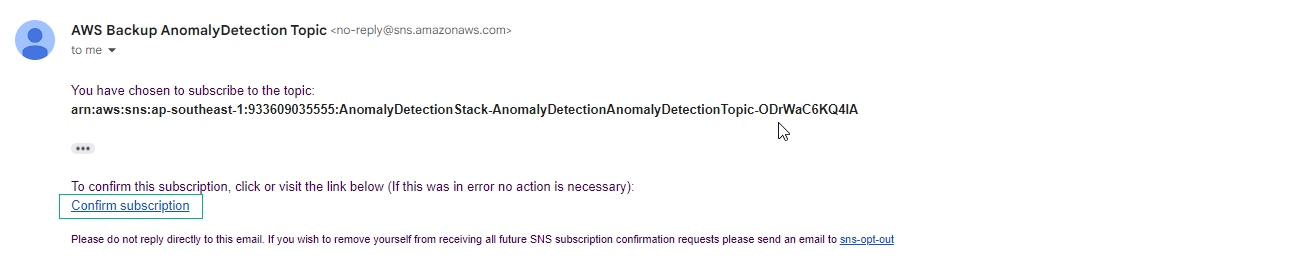
- Check the entered email will receive a notification.
- Note that the mail may be sent to the spam folder.
- Select Confirm subscription
- After Subscription confirmed!
