Tạo tài nguyên bằng CloudFormation
Tạo tài nguyên bằng CloudFormation
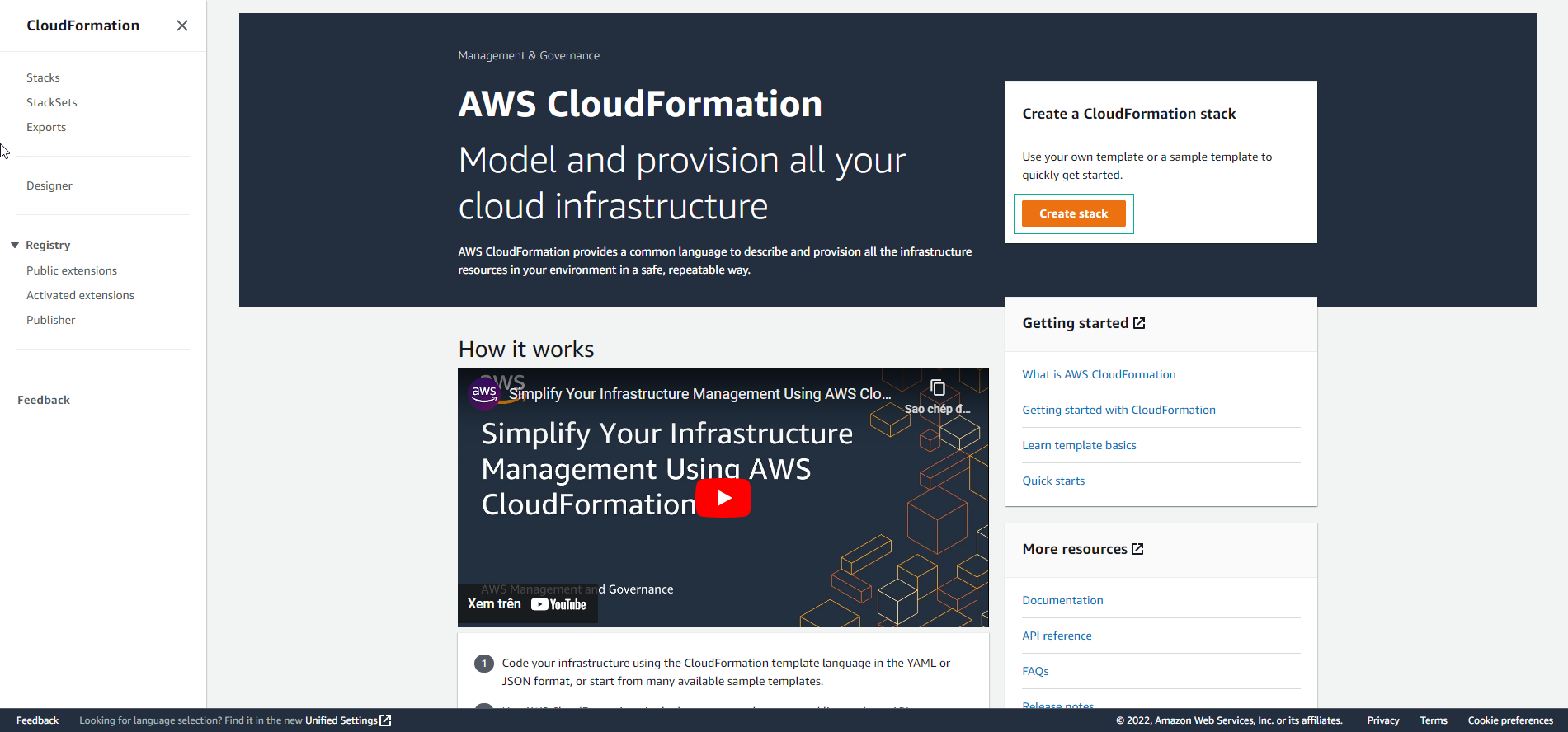
- Thực hiện tạo tài nguyên bằng CloudFormation. Chọn Create stack.
-
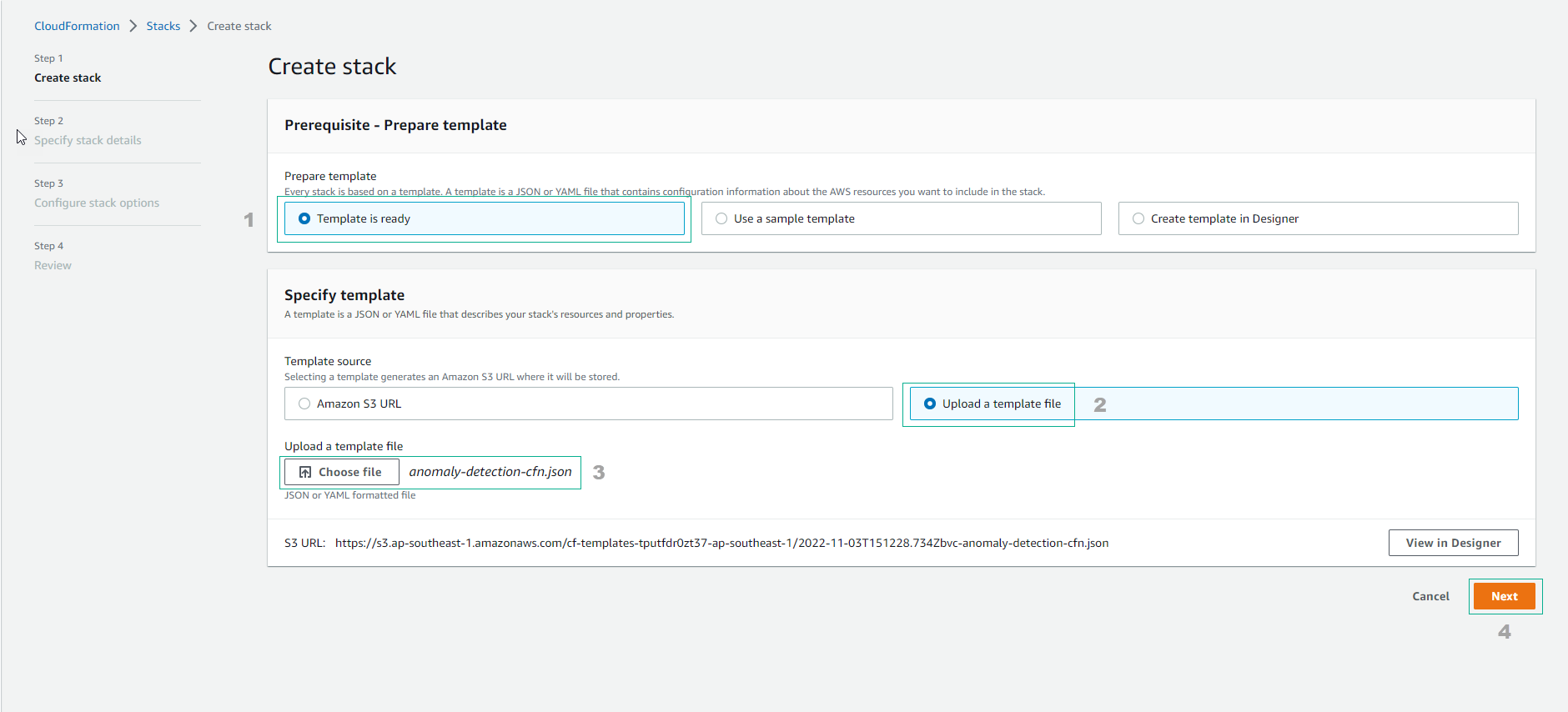
Cấu hình Create stack
- Chọn Template is ready
- Chọn Upload a template file
- Upload file anomaly-detection-cfn.json
- Chọn Next
-
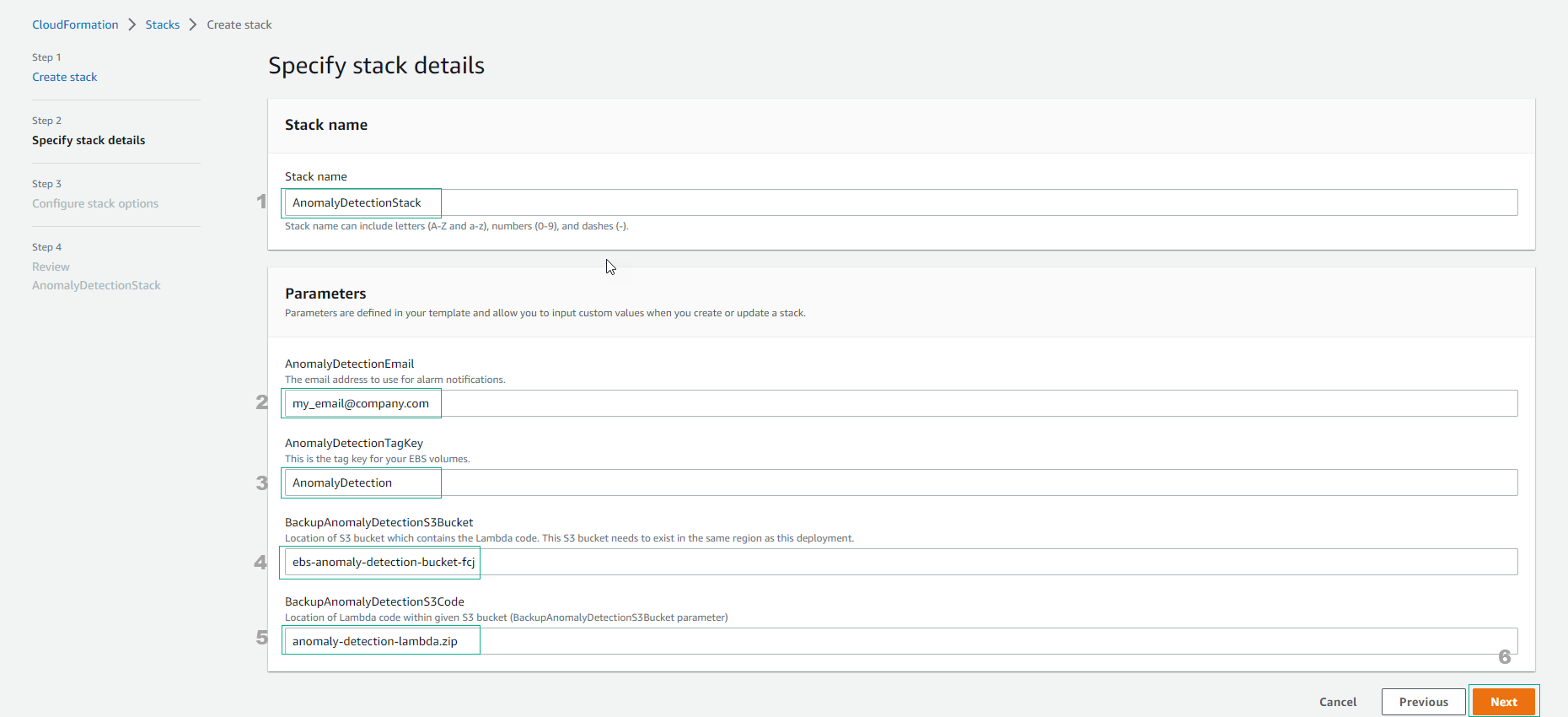
Nhập Stack name là AnomalyDetectionStack
- Hoàn thành các thông tin, nhập email để nhận thông báo.
- Nhập TagKey của EBS.
- Nhập S3 bucket name đã tạo.
- Chọn Next
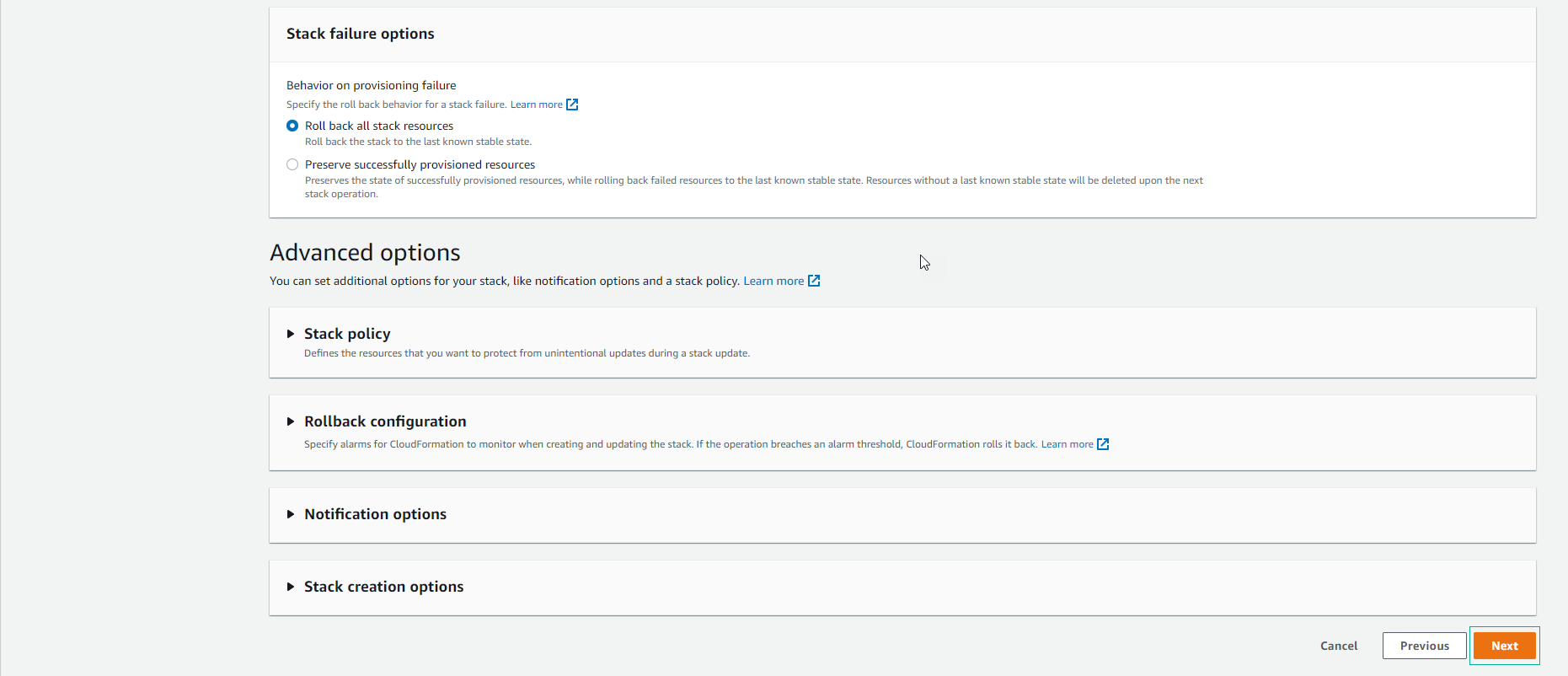
- Chọn Next
- Chọn I acknowledge that AWS CloudFormation might create IAM resources. Sau đó chọn Submit.
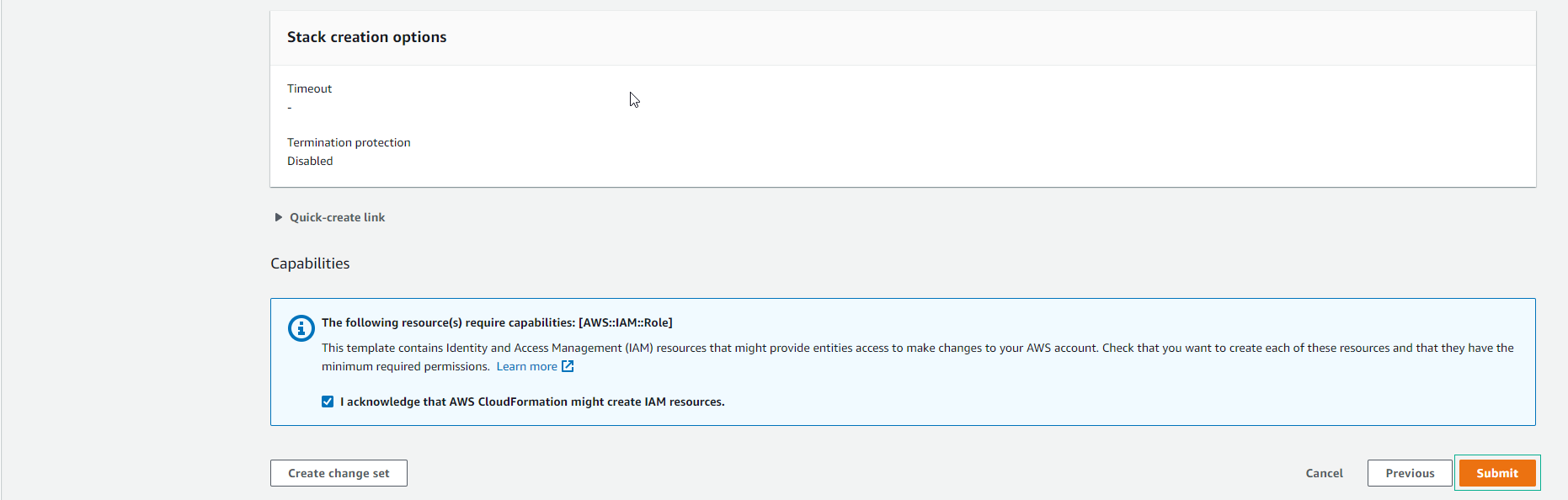
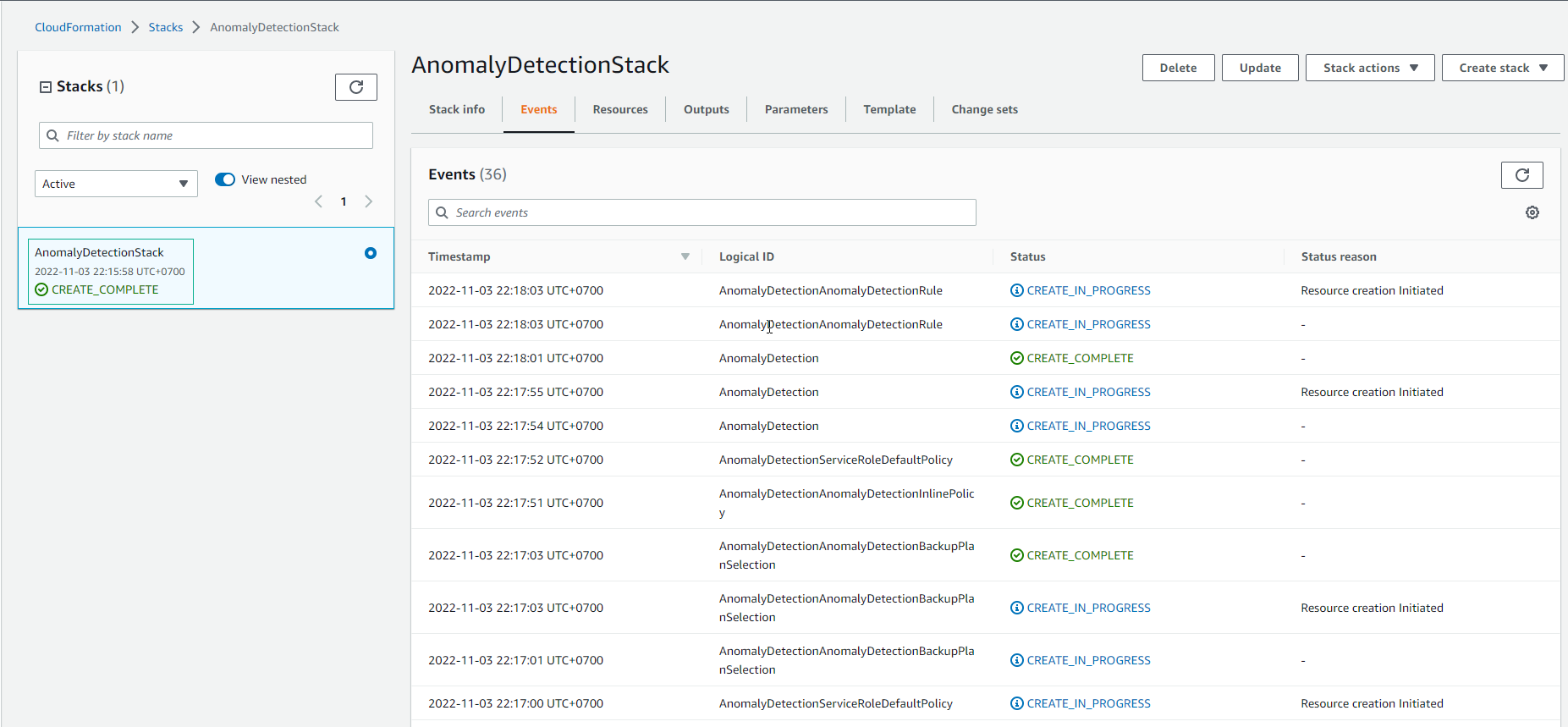
- Đợi khoảng 5 phút sau, stack tạo thành công.
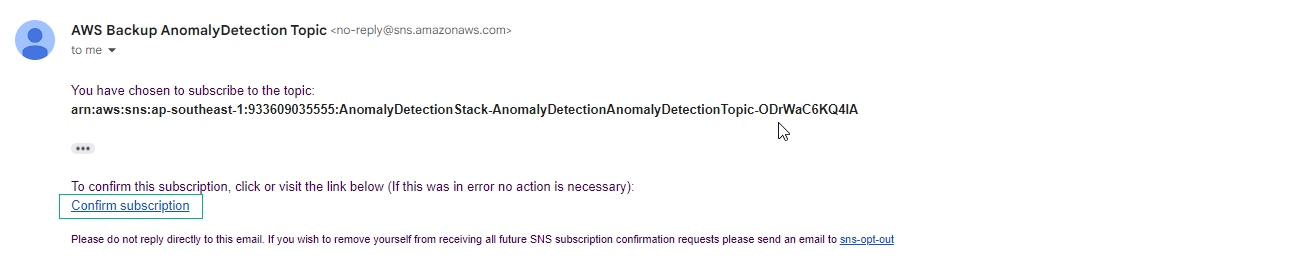
- Kiểm tra email đã nhập sẽ nhận được thông báo.
- Lưu ý có thể mail được gửi đến trong thư mục spam.
- Chọn Confirm subscription
- Sau khi Subscription confirmed!
